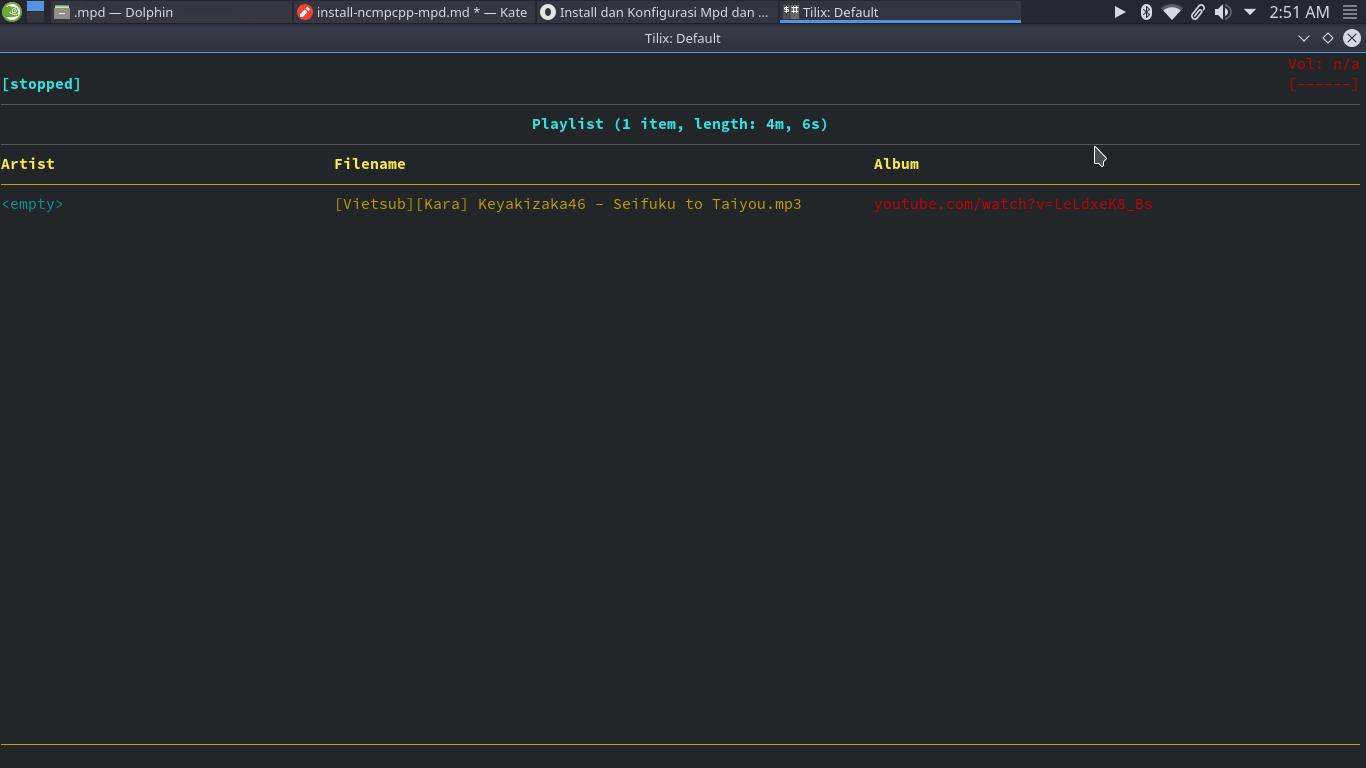
ncmpcpp merupakan music player pada linux maupun keluarga Bsd yang berbasiskan cli
music player ini sangat mudah di kostumisasi.
sedangkan mpd merupakan server penyedia layanan untuk lagu kita dan sebagai penghubung antara ncmpcpp dan music kita
cara install
Ubuntu & debian
1
| $ sudo apt install install ncmpcpp mpd
|
Arch & manjaro
1
| $ sudo pacman -S install ncmpcpp mpd
|
Fedora
1
| $ sudo dnf install ncmpcpp mpd
|
Opensuse
1
| $ sudo zypper in ncmpcpp mpd
|
konfigurasi mpd
1
| $ touch mpd.log mpd.pid mpd.db mpdstate
|
isi dengan kode berikut
1
2
3
4
5
6
7
8
9
10
11
12
13
14
15
16
17
18
19
20
| music_directory "/home/ilham/Music"
playlist_directory "/home/ilham/Music"
db_file "/home/ilham/.mpd/mpd.db"
log_file "/home/ilham/.mpd/mpd.log"
pid_file "/home/ilham/.mpd/mpd.pid"
state_file "/home/ilham/.mpd/mpdstate"
audio_output {
type "pulse"
name "pulse audio"
}
audio_output {
type "fifo"
name "my_fifo"
path "/tmp/mpd.fifo"
format "44100:16:2"
}
bind_to_address "127.0.0.1"
port "6601"
|
konfigurasi ncmpcpp
isi dengan script berikut
1
2
3
4
5
6
7
8
9
10
11
12
13
14
15
16
17
18
19
20
21
22
23
24
25
26
27
28
29
30
31
32
33
34
35
36
| % egrep -v '^#' .ncmpcpp/config
mpd_music_dir = "/home/ilham/Music"
visualizer_in_stereo = "yes"
visualizer_fifo_path = "/tmp/mpd.fifo"
visualizer_output_name = "my_fifo"
visualizer_sync_interval = "30"
visualizer_type = "spectrum"
visualizer_look = "◆▋"
message_delay_time = "3"
playlist_shorten_total_times = "yes"
playlist_display_mode = "columns"
browser_display_mode = "columns"
search_engine_display_mode = "columns"
playlist_editor_display_mode = "columns"
autocenter_mode = "yes"
centered_cursor = "yes"
user_interface = "alternative"
follow_now_playing_lyrics = "yes"
locked_screen_width_part = "60"
display_bitrate = "yes"
external_editor = "nano"
use_console_editor = "yes"
header_window_color = "cyan"
volume_color = "red"
state_line_color = "yellow"
state_flags_color = "red"
progressbar_color = "yellow"
statusbar_color = "cyan"
visualizer_color = "red"
mpd_host = "127.0.0.1"
mpd_port = "6601"
mouse_list_scroll_whole_page = "yes"
lines_scrolled = "1"
enable_window_title = "yes"
song_columns_list_format = "(25)[cyan]{a} (40)[]{f} (30)[red]{b}
(7f)[green]{l}"
|
setelah itu jalankan perintah
kemudian
NB : dir music menyesuaikan yah